Report Edit Mode⚓︎
Report edit mode lets authorized users modify a Power BI report directly from PowerBI Portal.
Warning
These changes will be directly reflected in the Power BI Portal for all users who view the same report, as well as in the Power BI Service (app.powerbi.com).
Enable edit mode⚓︎
- Open the Reports List page and add a new report or edit an existing one.
- Expand Advanced Details, open the Behavior tab, and turn on Allow Edit Mode under Navigation & Interaction.
- Save the report.
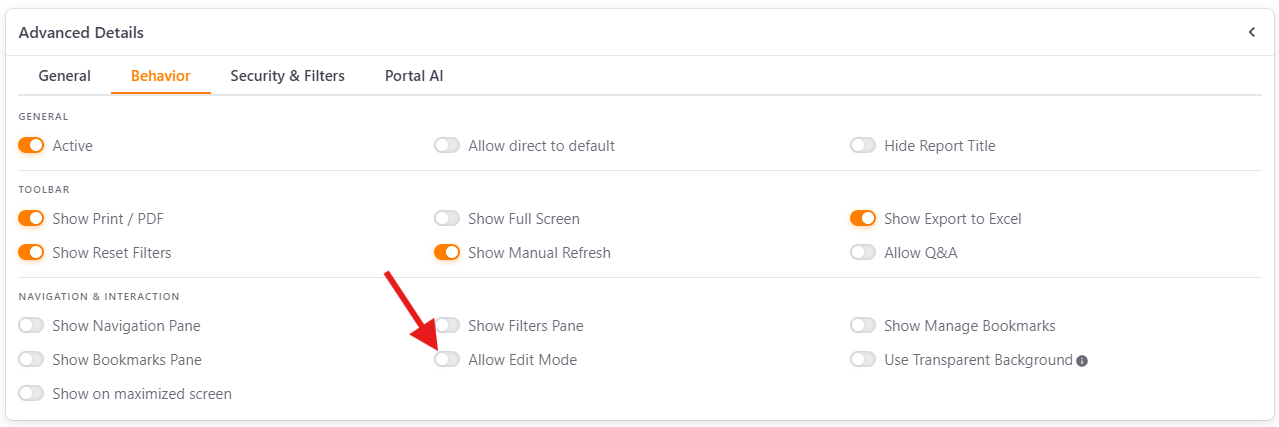
This option can be enabled at the report level (for all users with report access) or overridden for specific users or groups on the Report Access page.
Edit a report in the viewer⚓︎
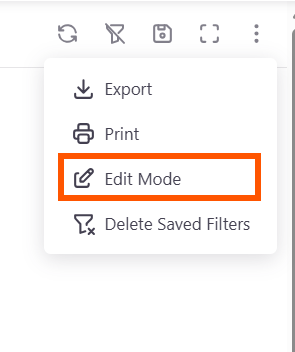
When Allow Edit Mode is on, users with the appropriate permissions see an Edit Mode option in the options menu (the three-dot menu) of the report viewer.
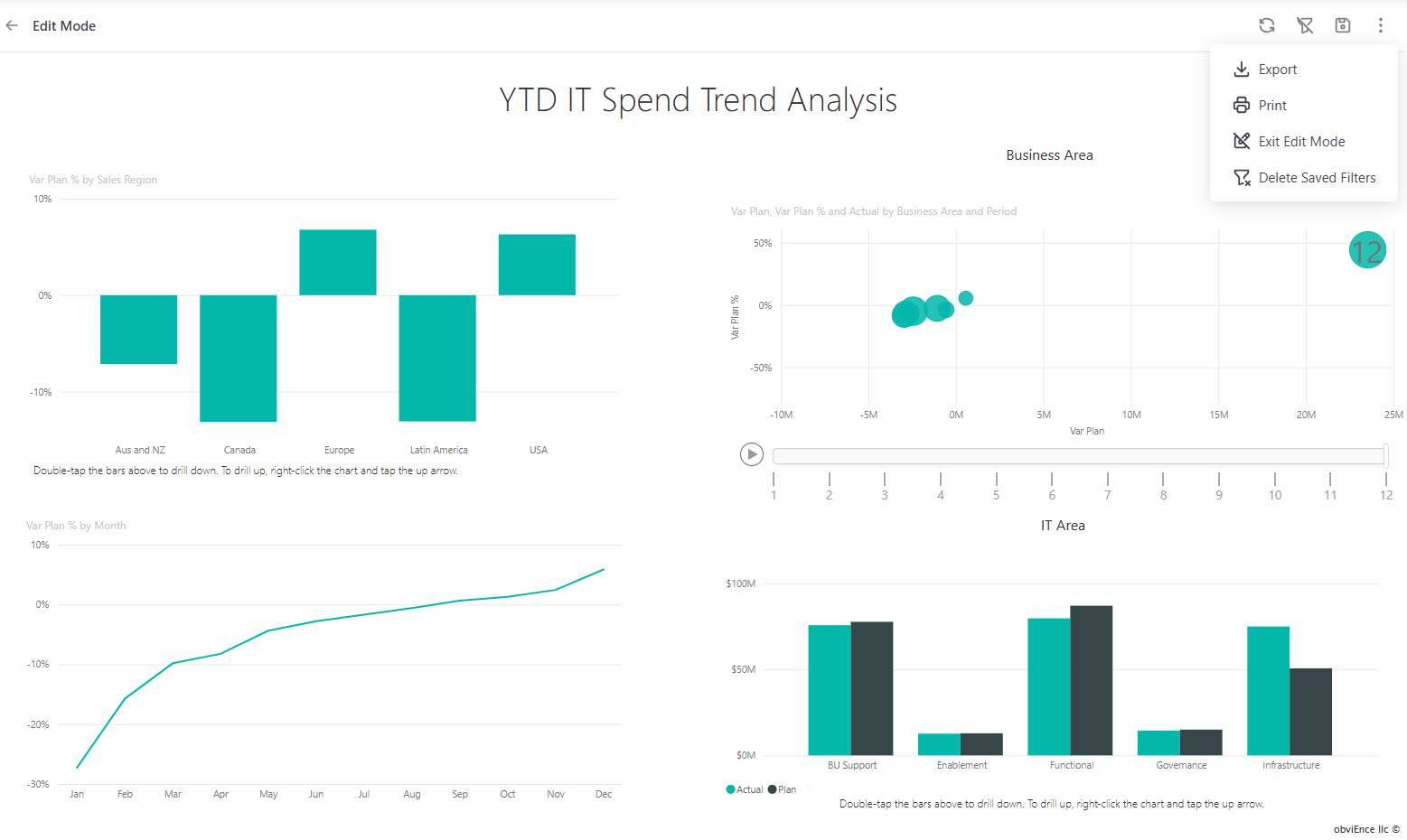
- Click Edit Mode to open the report in edit mode and make your changes.
- Click Save to submit the changes. Any changes made are saved to the original report in Power BI and affect all users who access that report.
- To return to the viewing mode, click Exit Edit Mode in the same menu.
When Allow Edit Mode is off, users can only view the report in read-only mode and the Edit Mode option is hidden.
Edit mode is useful when business users need to customize visuals, add filters or elements, or make quick adjustments without going through IT or reporting teams.