Custom Domain⚓︎
In Settings > Environment > Custom Domain, Master users configure a custom subdomain for their PowerBI Portal.
This submenu requires a Premium license and a cloud environment. The submenu is not shown in environments with on-premises feature restrictions.
Note
A custom domain is also required to customize the login page in Appearance.
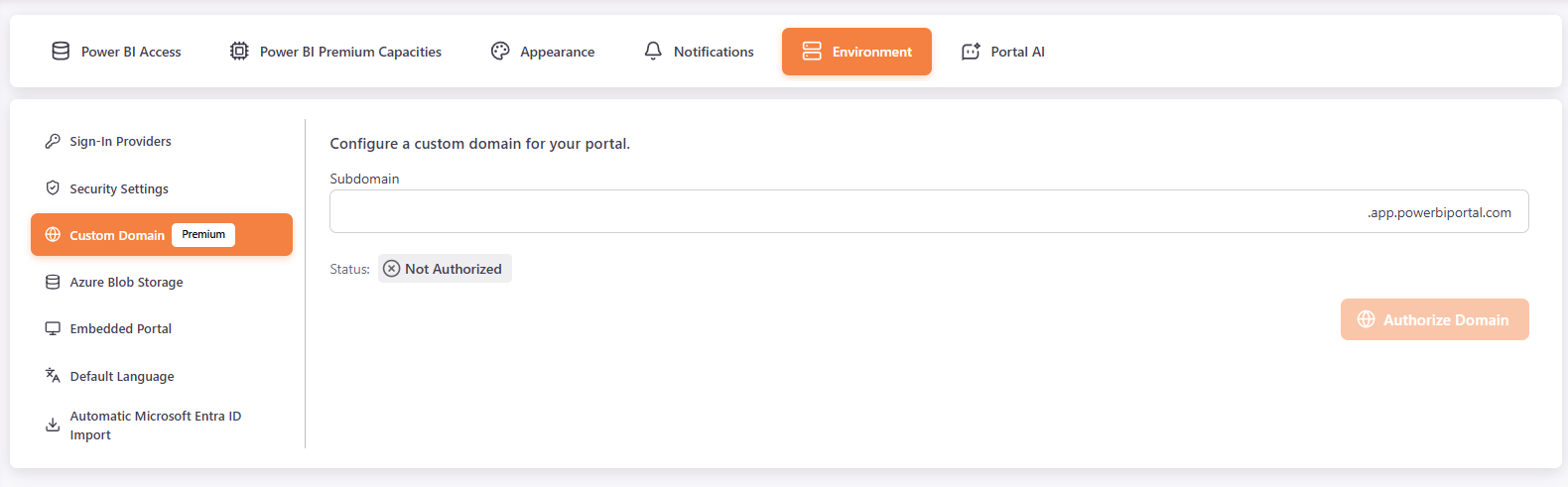
Subdomain⚓︎
Use a subdomain of the PowerBI Portal domain.
- In Subdomain, enter your subdomain. Only letters and numbers are allowed (A-Z, a-z, 0-9).
- Click Authorize Domain. The Status changes to Authorized.
To stop using the subdomain, click Remove Subdomain and confirm. This cannot be undone.