Azure Blob Storage⚓︎
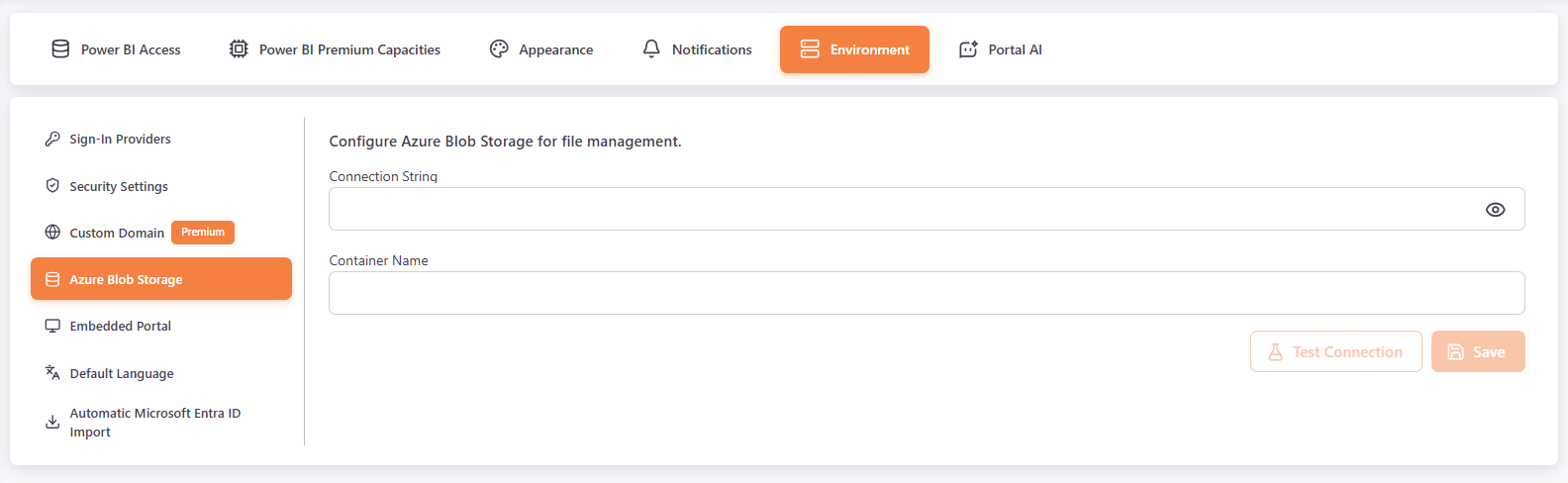
In Settings > Environment > Azure Blob Storage, Master users configure Azure Blob Storage for file management.
- In Connection String, enter the connection string of your storage account. It is hidden by default. Click the eye icon to show it.
- In Container Name, enter the name of the container.
- Click Test Connection to check the configuration. A message shows whether the connection succeeded.
- Click Save.