Leveraging Power BI Portal API⚓︎
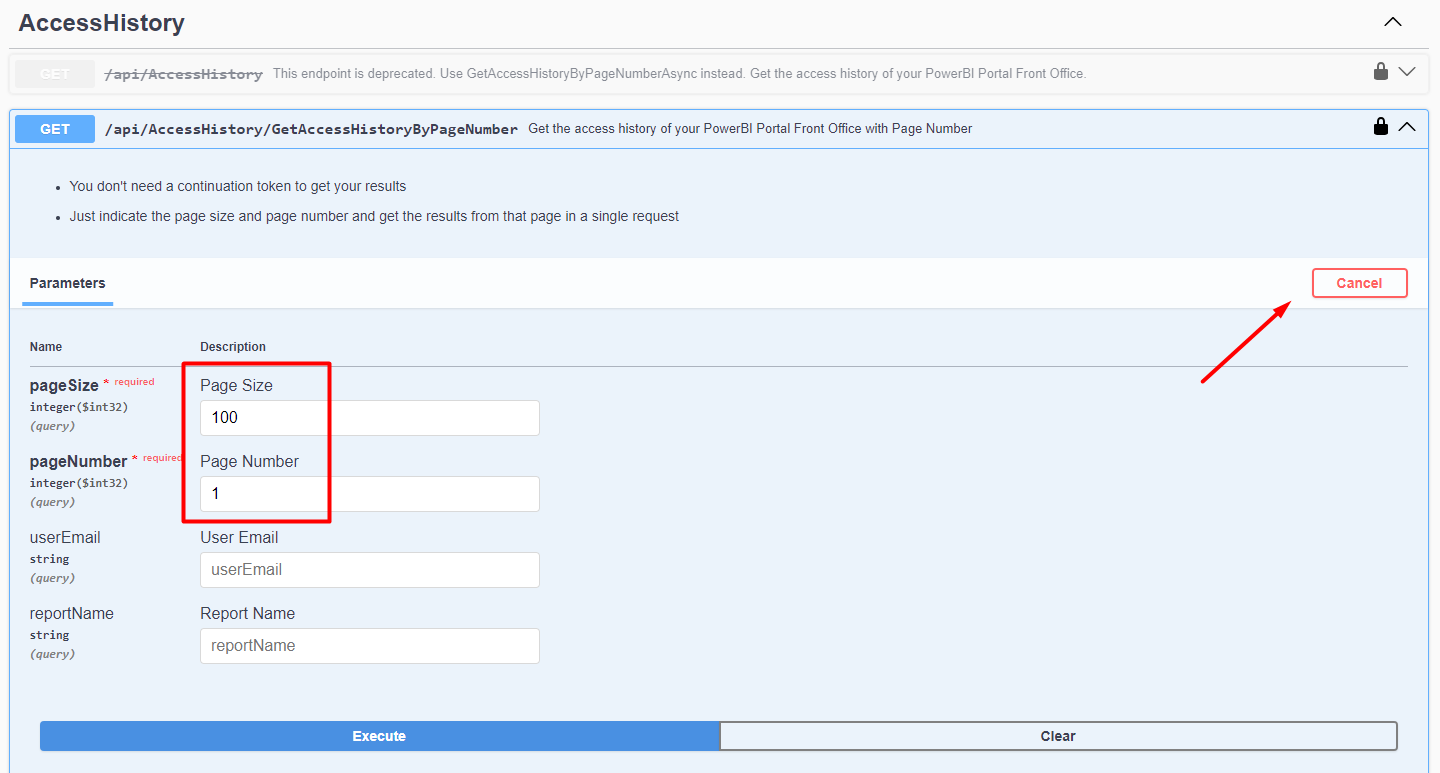
Power BI Portal API can be used to View, Add, Edit, and Delete users, reports, or report accesses.
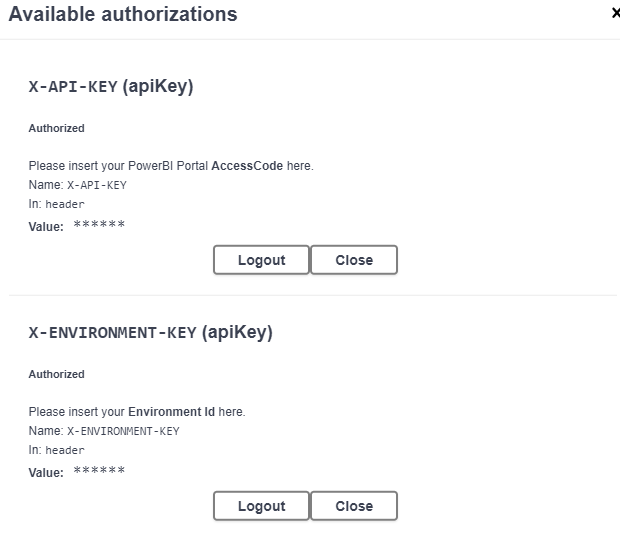
Before using PowerBI Robots API you need to enter your Access Code and Environment ID.
Environment ID: (located at the top right corner)
PowerBI Portal API: admin.powerbiportal.com/docs/swagger/index.html
To enter your credentials, click on 'Authorize':
After the log in you can select the desired endpoint and click 'Try it out', enter the required or desired parameters and 'Execute':