Accessing Reports⚓︎
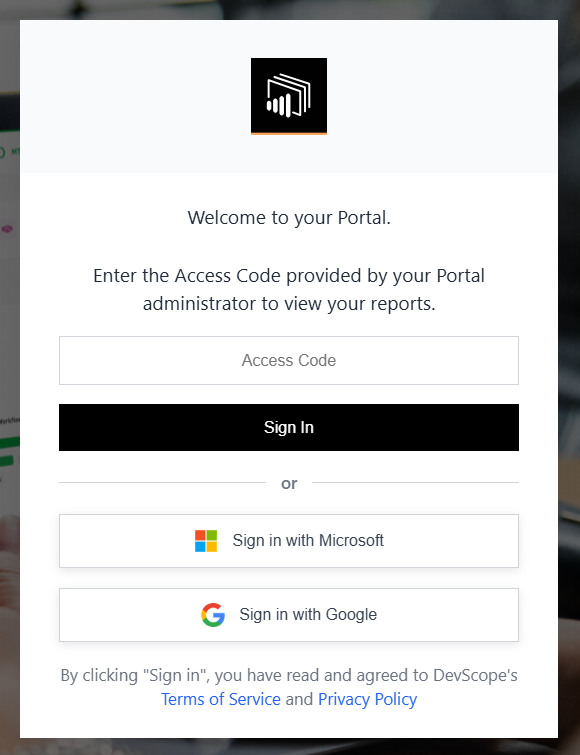
All users added to PowerBI Portal have access to the reports associated with their account. They can sign in by entering their unique access code or by clicking the Sign in with Microsoft button, if their account is associated with a registered email.
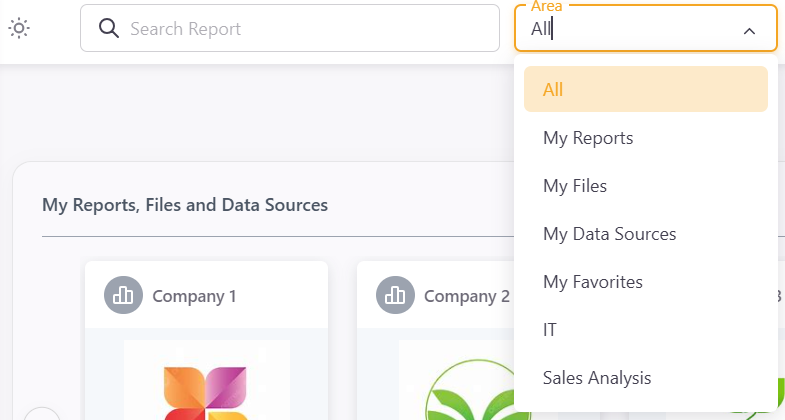
Once signed in, users can view or edit their reports according to the permissions assigned to them. At the top left corner of the screen, users can switch between Areas if available.